OSA
App Store Optimisation (ASO)
Developing a user-friendly app is one thing. Getting it found and downloaded is quite another. Fortunately, we can help you with that.


Why is ASO relevant?
App Store Optimisation is the abbreviation of App Store Optimisation, or ASO for short. In simple terms, ASO is a work process that aims to increase the visibility of an app in the App Store or Google Play.
Studies show that around 60% of all apps are found via searches in the various app stores. This means that search is the most common way to find and download new apps. With more than 100,000 different apps to choose from, the competition is huge. It is therefore highly relevant to ensure that your app is visible in these searches.
How is ASO performed?
App Store Optimisation builds on many of the basic principles of traditional search engine optimisation, such as ensuring that the right keywords appear in the presentation of the app. In addition, elements such as the number of links to the app, app downloads and app reviews also play a role in App Store Optimisation. Likewise, a catchy app icon as well as meaningful screenshots and videos are also relevant factors.

Makeable’s experience with ASO
At Makeable, we’ve been working with ASO since we developed the first app back in 2011. However, the concept of ASO didn’t exist back then. The techniques behind it and the importance of working with ASO still apply. Today, it has become even more relevant to make your app visible due to increasing competition.
ASO is not difficult. However, as with so many other things, experience is crucial when testing optimisation and drawing conclusions about what works. ASO is far from the only path to success and top rankings in the App Store and Google Play, but it should be a priority if you own an app.
How do you get started with ASO?
If you’re interested in hearing more about how we can help make your app more visible in the App Store and/or Google Play, give us a call. We’ll be happy to tell you more about our approach and how we’ve achieved such great results for our customers.
Niels Thysk Sørensen
COO & Partner

Follow us on LinkedIn
Here we keep you up to date with the latest trends and technologies and write about the benefits businesses can gain from apps.


- Industry
FTZ: The automotive industry’s most important tool
- Industry
- Green tech
- B2C
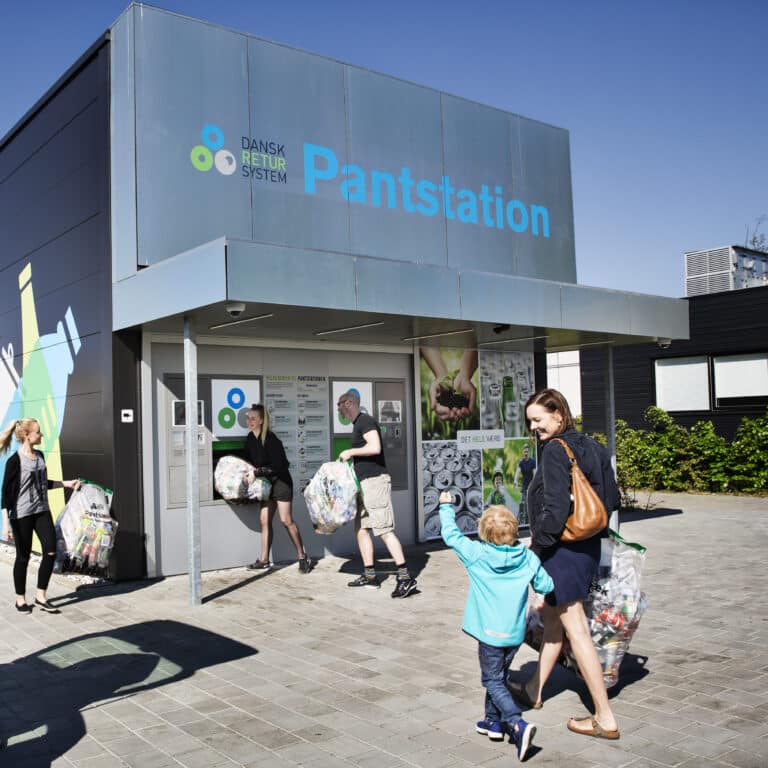
The world’s best deposit system takes a big step forward

- B2C
The “TR i FOA” app makes work more efficient


- Industry
- Green tech
Data-driven pig production – a new era for agriculture

- Health
- B2C
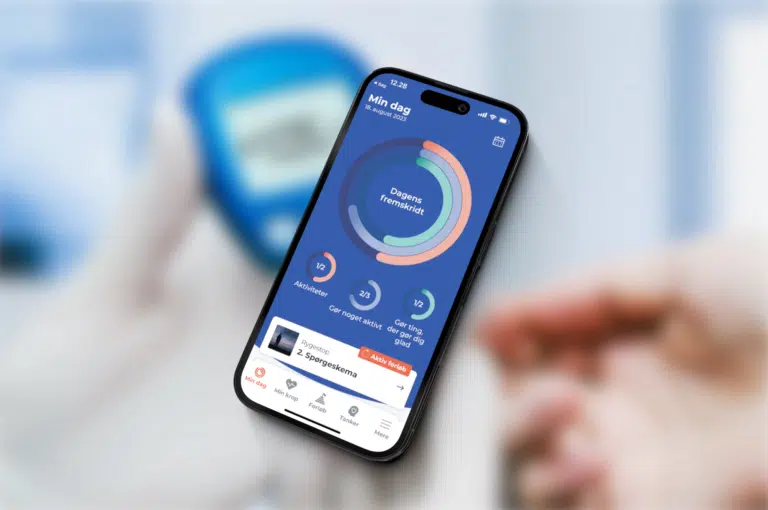
My Life – My Health: Supportive health app for citizens and professionals

- Industry
- B2C
Dansk Retursystem: App for Advancing the World’s leading Deposit System

- B2C
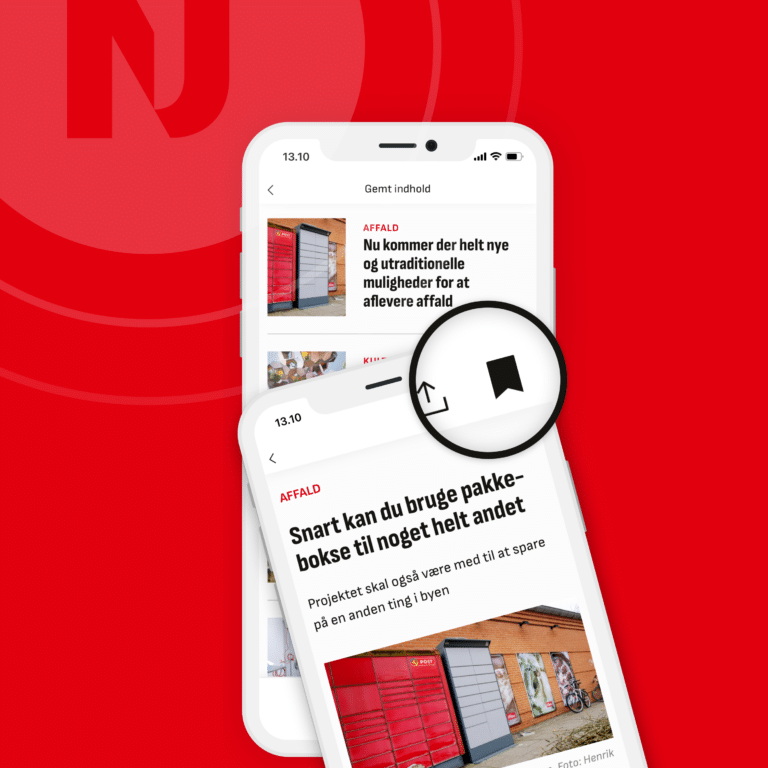
App for news across North Jutland


- B2C
Mit Formuepleje: Investment overview


- Industry
Dol sensors: The world’s largest manufacturer of sensors for agriculture


- Health
A tool for care, support and compassion


- B2C
PadelPadel: Ranking app for Denmark’s leading padel community


- Health
Ropox: An extra help for people with disabilities
- Health
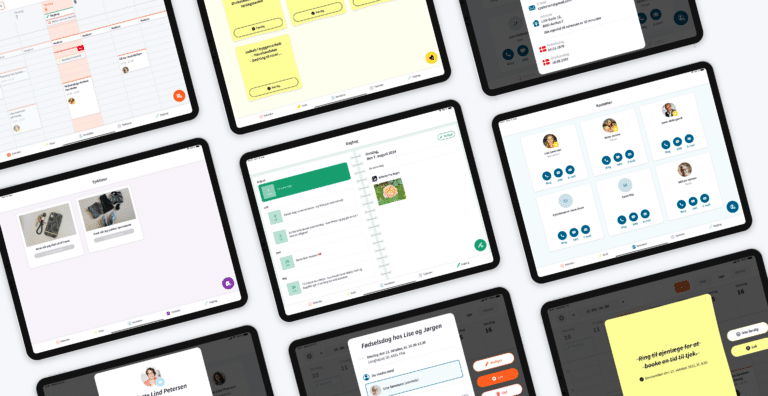
The “DagLiv” app helps people with dementia

- Health
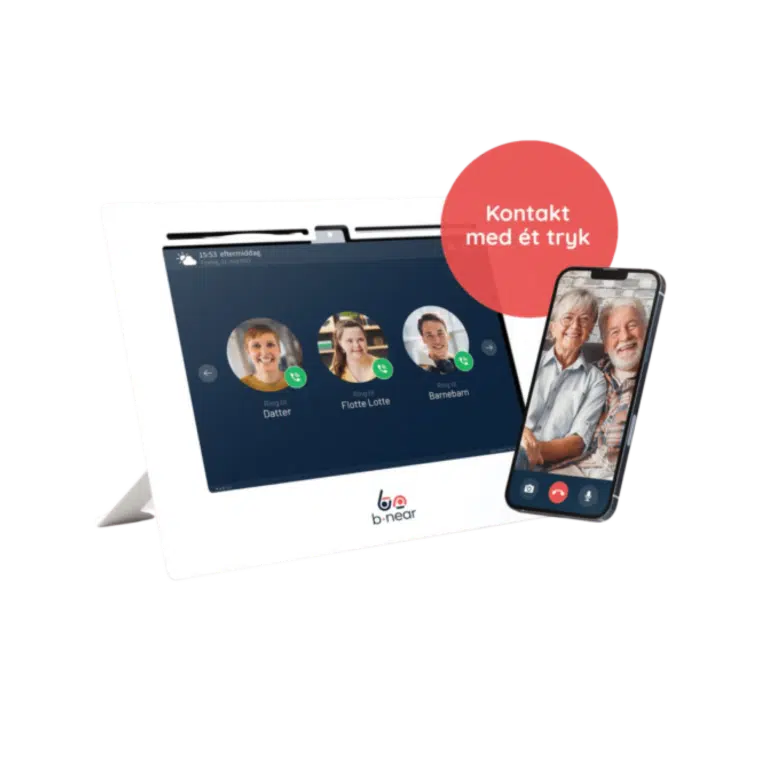
b-near® connects you with your closest ones

- Industry
Intelligent Fleet Management for leading contractor

- Industry
- Green tech
State of Green: Complete Platform Highlighting Green Danish Solutions

- B2C
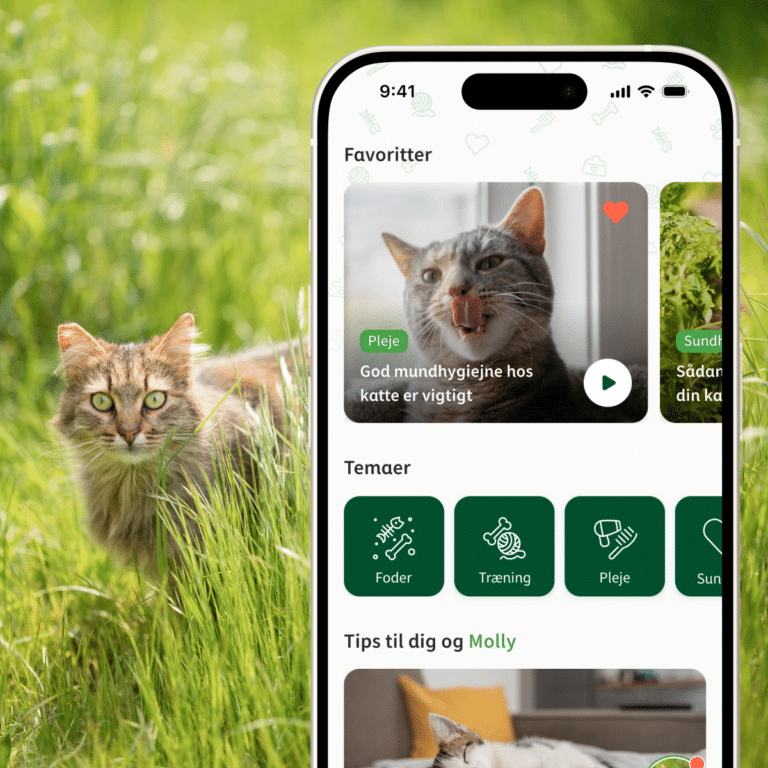
Loyalty-boosting app for selling world-famous pet food

- B2C
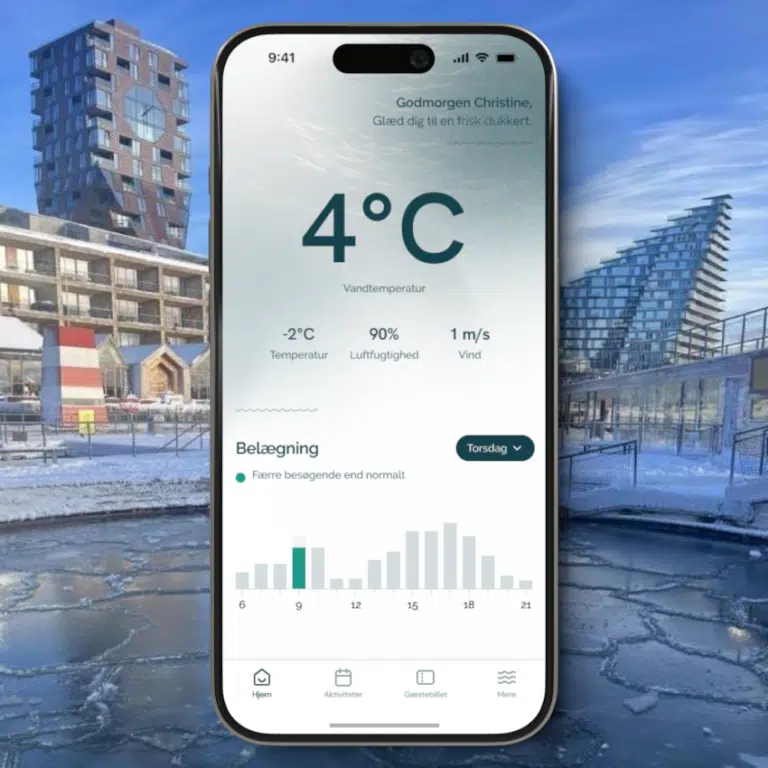
App for improved operations in Aarhus Ø Winter Swimming Club

- Industry
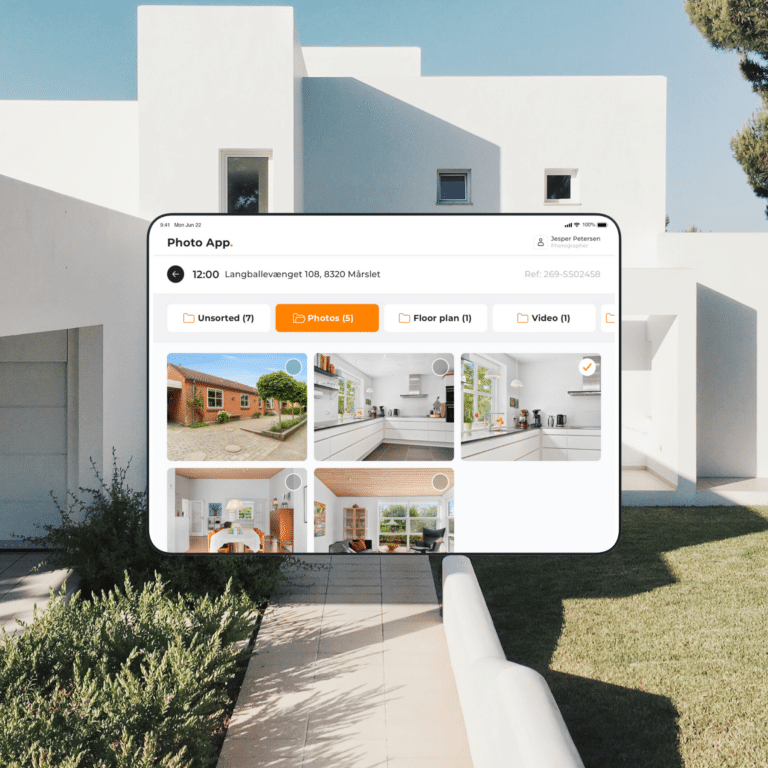
A pioneering app for a world-leading supplier


- B2C
TUK lets the books do the talking



Strong culture, great camaraderie, and reliable deliveries
We have a strong, inclusive, and professional work culture where everyone’s voice is heard. It’s important to us that the work inspires each individual, and that we always challenge and recognize one another.
A web solution is the simplest solution as it’s basically “just” a responsive website developed to be more user-friendly when viewed on tablets and smartphones. A web solution works on all platforms, but is not a real app and will therefore not be found in the Apple App Store and Google Play Store. Data-wise, there are also some storage limitations.
Hybrid solutions are apps that use a combination of app and web technology. For example. through frameworks and platforms such as React Native, Xamarin, Flutter or Cordova. Hybrid apps are also called cross-platform apps. In a hybrid app, the app’s source code is developed in one language, which is then “machine translated” into an iOS and/or Android app. The development of the app is done through web technology without regard to the individual platforms (iOS and Android).
Native solutions are apps developed for a specific type of platform, such as iOS or Android. To release the app on iOS and Android, two code bases must be developed: one code base for iOS (in the Swift programming language) and one code base for Android (in the Kotlin programming language). There is always full access to the devices’ hardware and the latest features in iOS/Android.
When you need to develop a mobile app, there are three solutions you can choose from: Native app, hybrid app and web solution. Learn more about the different app solutions here. See also our visual overview of the difference between native app and hybrid app below.
When you and your company create an app for iOS, you or your app developer will most likely use the Swift programming language, which is the official programming language for iOS. Xcode is the development programme/IDE used to build the app. Swift and Xcode are inextricably linked for iOS app development, while Kotlin and Android Studio are for Android app development.
In addition, it’s important that you know and adhere to Apple’s App Store Review Guidelines, which set high standards for apps to be launched in the app store.
Your app must offer a “unique, high-quality experience” – otherwise it risks being rejected.
How long it takes to develop an app is as difficult to answer as the question of how much it costs to make an app.
Factors that come into play include:
- Technology choice: Native app, hybrid app or a web solution?
- Complexity and size: The more functions and features, the more hours you need to dedicate to app development.
- App developers: How many app developers should be on the job? More developers means faster development and shorter time to launch – but also greater complexity.
- iOS or Android: Should the app be developed for one or two platforms?
Most of the apps we develop take between 2-3 and 12 months from initial concept phase to finished and tested app ready for launch.
When creating an app, you can choose from three solutions: a native app, a hybrid app and a web solution.
At Makeable, we favour native solutions and recommend it to all our customers. We believe that a native app is a much better “tool” than a hybrid app or a web solution – both technically, business-wise and for the user – and is therefore more sustainable in the long run.
Read more about the different solutions, pros and cons here.
Regardless of how you and your organisation want to develop the app, we always recommend that you start with a concept phase to establish the framework.
In a concept phase at Makeable, we help you get a handle on important elements such as:
- Which app solution provides the most business value?
- Where are the risks and opportunities?
- You get a clickable prototype that clearly illustrates how the app will work
- A broken down and detailed budget so you know the scope of the project.
A concept phase starts at DKK 40,000 excluding VAT and creates the very best foundation before the actual app development begins. It’s money well spent – whether you want us to develop the app or not.
The short answer is that we can. Alternatively, there are two options. 1. develop the app on your own. 2. to choose an independent app developer.
App development on your own
Embarking on app development on your own requires a relatively high level of experience. As proper development is crucial to the success of the app, we strongly recommend that you get help writing the code and developing the app.
Freelance app developer
A freelance app developer can help you a long way down the line. However, when it comes to strategic counselling, business development, UX/design, etc. an independent app developer quickly falls short and you will usually need to find other specialists.
Choosing us as your app agency
Choosing us as your app agency gives you access to a wide range of specialists of the highest calibre. We will help you get from idea to finished app with confidence – and along the way, we will provide strategic advice to ensure that the app provides the most value for your business and users.
Once you and your organisation have clarified your needs and wants, the next big question is: What does it take to create an app? What do you need to prepare and who should you contact?
Here are 9 important steps and considerations when developing an app:
1. validate the concept
2. Get the domain right
3. Create a detailed description and sketch
4. avoid feature creep
5. Research app designs and create a mockup
6. Choice of technology: Native app vs hybrid app
7. Get started with app development
8. Release and market the app
9. Ongoing maintenance and optimisation
If you’re in the initial phase, it’s important that you have a clear idea of your wants and needs, get a handle on the domain and know what the market looks like. Are there any direct or alternative competitors – and is there any demand for the app? Then create a detailed description and sketch to get an overview of the project.
Next, you need to decide who will develop the app and what type of app solution you want. Should it be a native app, a hybrid app or maybe “just” a web solution?
Read more about the different app solutions here
If you have chosen an app agency for app development, they will help you make all the important decisions so that you have a solid foundation and the best chance of the app becoming the success you hope for.
This is one of the most difficult questions to answer, as the price level for app development depends on the customer’s needs, preferences and ambitions.
Even the simplest apps usually have a starting budget of DKK 100,000 excluding VAT. The price of an app depends on, among other things:
– Choice of technology
– Complexity and size
– Backend
– iOS and/or Android
– Data collection
– Security and safety